PrintFlow
A document is only
the beginning.
- My role
- Full-stack & Windows agent engineering
- Product
- Print-shop SaaS
- Focus
- Browser-to-printer workflow & recovery
- 01Upload
A document enters the browser workflow.
- 02Configure
Choose paper, layout and print options.
- 03Dispatch
Validate and route the job to a department.
- 04Persist locally
Retain job and file state in SQLite.
- 05Print
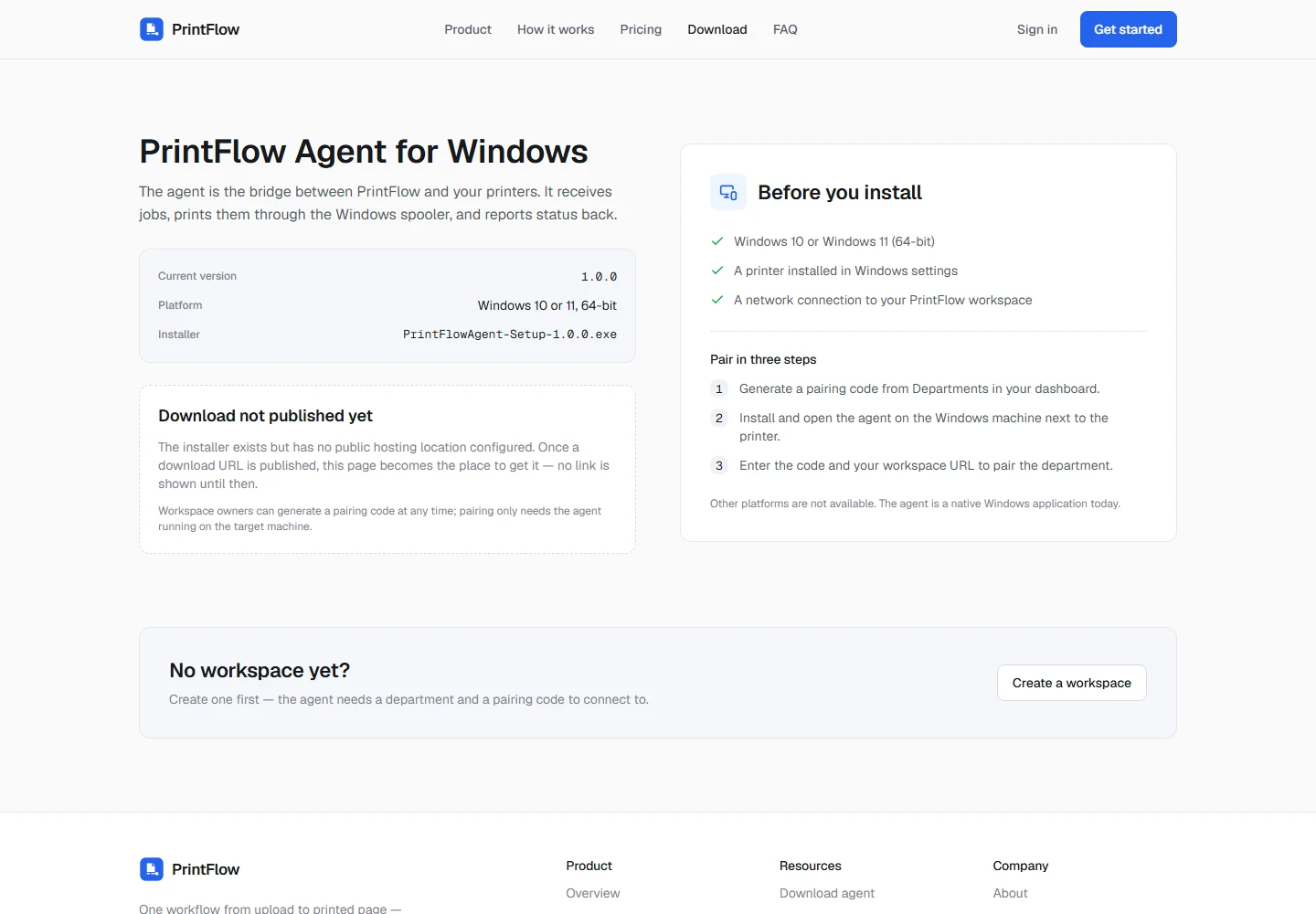
The Windows agent processes the job.
- 06Reconcile
Report lifecycle changes and align state.
Retain local state, reconnect, retry reports and reconcile. Recovery is part of the workflow; exactly-once physical printing is not a guarantee.
Product context
Software that reaches the printer.
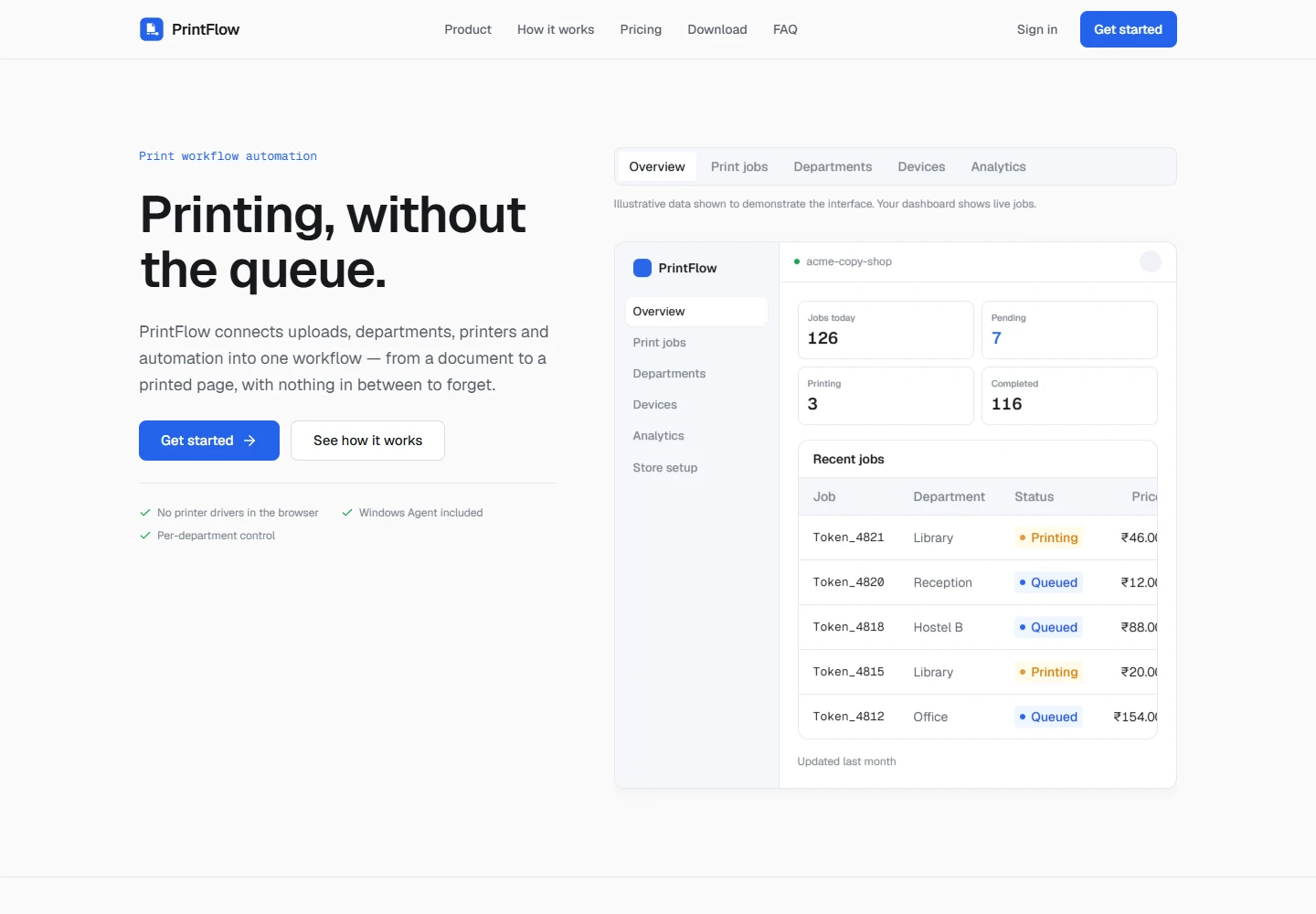
PrintFlow connects customer uploads and print options with shop operations and a Windows printing agent.
A print job crosses boundaries that a conventional storefront does not: from the browser to a backend, from the backend to a local machine, and from software to a physical printer.
The challenge continues after an order appears in a dashboard. A job has to reach the right department, retain its state locally, move through printing and report what happened.
Visit PrintFlowOwnership
Engineering across the handoffs.
My engineering work spans the Laravel backend, React frontend, WebSocket communication, Python Windows agent, SQLite synchronization and print-job reliability.
This case study describes the implementation across those boundaries. It represents my engineering contribution to the product, rather than a claim that I personally authored every component.
Document journey
Every handoff carries state.
The browser captures the document and print choices. The backend validates and dispatches the job to a department. The Windows agent retains local state, processes the printing work and reports lifecycle changes.
Upload, configuration and dispatch are distinct from printing. A backend acknowledgement is not evidence that a physical page has left the printer. The system has to keep these stages understandable across both operator and agent views.
Engineering
When the connection is the weak link.
Keep state beyond a connection
The Windows agent uses a persistent SQLite queue with per-file state. Local persistence gives the agent state to work from after a connection is interrupted.
A socket is a communication channel, not a durable record. Separating those responsibilities is central to recovery.
Reconnect without depending on one transport
WebSocket communication includes reconnect and backoff behaviour. HTTP fallback provides an additional communication path.
A connection interruption should be handled explicitly. Reconnecting is only part of the task; pending state still needs to be reported and reconciled.
Validate dispatch and lifecycle changes
The Laravel backend uses dispatch validation and transactional locking alongside lifecycle transition checks.
Repeated or delayed reports are expected inputs across a network. Validation checks a report against the job lifecycle instead of treating every incoming message as a new authoritative event.
Bring the operator view back into agreement
Operator synchronization uses an outbox, entity versions and cursor reconciliation.
A live message can be missed. Reconciliation provides a way to catch up with recorded changes and restore a coherent view of state.
React → Laravel → Python Windows agent → SQLite → Printer
PrintFlow Studio
Layout work is engineering work.
Studio connects editing and collage layout with print-ready output. The layout must make sense both on screen and when it becomes a physical sheet.
Grid Collage arranges images in structured layouts. Dynamic Collage uses packing logic that accounts for dimensions and gutters. PDF export work runs in a worker.
Those features bring geometry, output dimensions and processing into the same workflow. The genuine repository test fixture is retained in the research archive; it is not presented here as customer artwork or an operator screenshot.
What is established
A public product. An inspectable implementation.
The public product and audited implementation establish the browser-to-agent workflow and its recovery mechanisms. They do not establish measured uptime, adoption, print volumes or a quantified reliability improvement.
Durable local handling and reconciliation support recovery. They are not a guarantee of exactly-once physical printing. The physical output remains a separate boundary that must be observed.
The next visual evidence for this story is a sanitized, same-job sequence: upload, operator dispatch, local agent state, a connection interruption, recovery and the resulting print.